

On this page 29
The most useful AI design tools are no longer just image generators.
They are moving into the actual design workflow:
brief
→ exploration
→ editable layout
→ image / vector generation
→ prototyping
→ brand adaptation
→ collaboration
→ handoff
That changes how designers should evaluate them.
The question is not:
> “Which tool makes the prettiest AI image?”
It is:
> Which parts of my workflow become faster without sacrificing editability, design-system consistency, collaboration, or creative control?
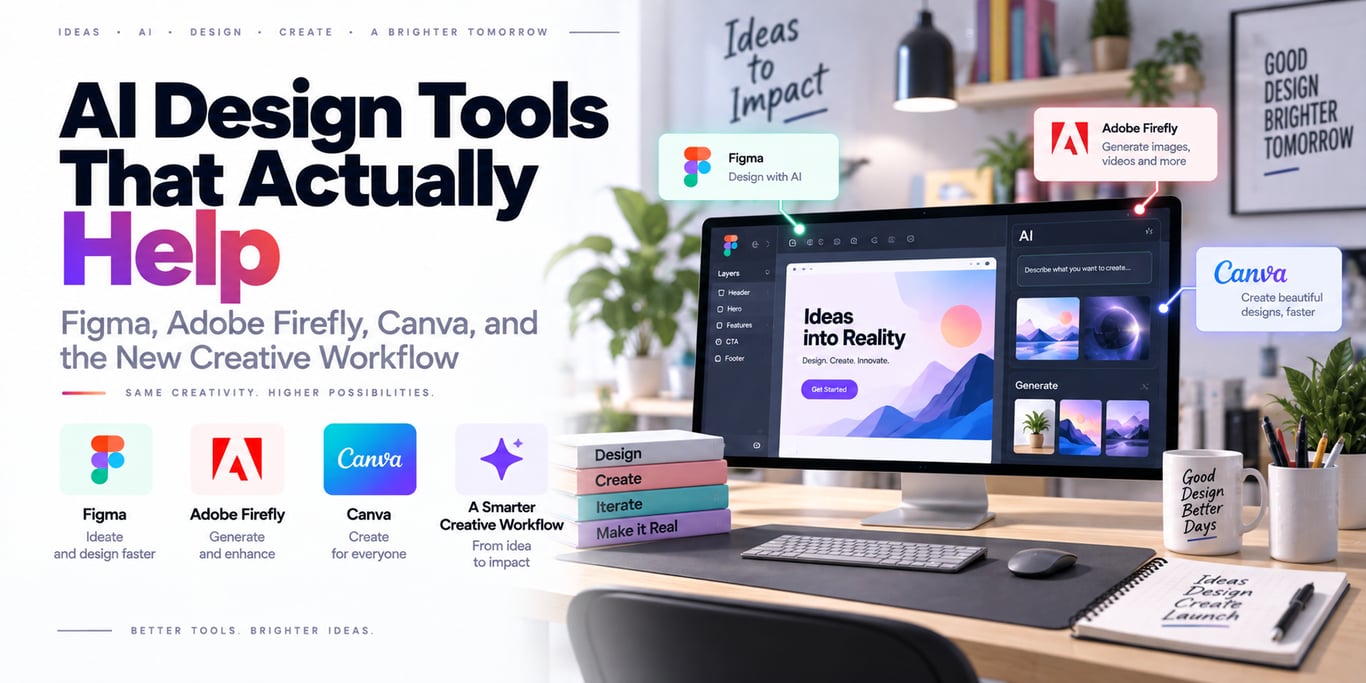
In 2026, Figma has introduced an agent directly on the design canvas, Adobe Firefly spans image, video, audio, vector, and editing workflows, and Canva is pushing conversational and agentic design with fully editable outputs.
There is no single best tool for every designer. The right choice depends on the job.
The new design stack has four AI layers
Most modern creative platforms now combine several capabilities.
Generation
image
layout
vector
video
copy
Editing
remove / replace object
expand scene
change style
re-layout
Context
brand system
design system
existing file
reference assets
Agentic workflow
understand goal
→ choose tools
→ make several edits
→ iterate conversationally
The last layer is the biggest shift.
Figma: AI is moving onto the design canvas
Figma's current AI tooling includes focused features and a design agent that began rolling out in beta in May 2026.
The agent can help:
create initial designs
adjust layouts
refine content
make edits
provide design feedback
while operating inside the collaborative Figma canvas.
That is important because professional product design is not usually a one-shot image-generation problem.
It is an iterative, editable, multiplayer process.
Editable output matters more than perfect first output
A generated PNG can look impressive but be difficult to use in a real product workflow.
Designers need to change:
spacing
typography
component hierarchy
copy
interaction
responsive behavior
AI becomes much more useful when the result remains a real design object rather than a flattened artifact.
Figma is especially strong for product/UI workflows
Useful AI-assisted tasks include:
first drafts
wireframe exploration
content replacement
prototyping
asset search
layer cleanup
The important part is that these features sit next to:
components
design systems
comments
prototypes
dev handoff
That makes AI part of product development rather than a separate creative sandbox.
Design-system context is a major differentiator
Generic generators often produce interfaces that look generic because they do not understand:
company components
spacing tokens
brand rules
existing patterns
A design agent becomes much more valuable when it can work with the same system the team already uses.
This is why context and skills matter as much as raw generation quality.
Adobe Firefly: generation plus professional editing
Adobe Firefly currently covers workflows across:
images
video
audio
vectors
speech / music
creative editing
Its strongest value is the connection between generation and Adobe's broader professional editing ecosystem.
A designer can use AI to create or modify an asset, then continue with precise manual editing rather than treating the model output as final.
Firefly is useful when the asset itself is the problem
Examples:
extend image background
remove distracting object
generate campaign variations
create visual concept
produce short video element
build vector / graphic assets
This is different from Figma's strongest use case, which is usually product/interface design.
Choose based on the artifact you are creating.
Generative Fill changed the editing mental model
Instead of manually reconstructing pixels, a designer can select an area and describe the desired change.
That is powerful for exploration.
But professional review still needs to check:
perspective
lighting
brand consistency
anatomical / object errors
text artifacts
AI editing reduces mechanical work; it does not remove visual QA.
Canva: AI for end-to-end communication design
Canva's strength is breadth.
Its AI ecosystem spans:
presentations
social graphics
documents
websites
video
spreadsheets
campaign assets
Canva AI 2.0 pushes this further with conversational design, agentic orchestration, editable layered objects, brand intelligence, and connected workflows.
That makes it especially interesting for marketing and business teams producing many formats.
Editable layers are a meaningful improvement
One of the limitations of older generative-design systems was that they produced a mostly finished flat artifact.
Canva's newer approach emphasizes designs built from individually editable objects.
That matters because real work requires:
change headline
swap image
apply brand font
resize format
localize copy
A design that cannot be edited is often just a reference image.
Brand context is more valuable than generic style prompts
A marketing team does not want:
“make it look professional”
It wants:
our fonts
our colors
our templates
our product imagery
our tone
AI systems that ingest brand context can generate fewer off-brand drafts and reduce cleanup.
Do not confuse speed with taste
AI can make ten variations in seconds.
It still cannot reliably decide:
Which concept is strategically right?
Which visual feels distinctive?
Which compromise is worth making?
Figma's own 2026 research makes a similar point: as AI increases production speed, design judgment and collaboration become more important, not less.
The bottleneck moves from execution toward decision quality.
AI is excellent for exploration
A designer can generate multiple directions quickly:
minimal
editorial
playful
technical
premium
Then choose what is worth refining.
This can broaden exploration without requiring every concept to be built manually.
The human still decides which direction is coherent with the product and audience.
Use AI for first drafts, not final authority
A practical workflow is:
brief
→ AI exploration
→ designer chooses direction
→ manual / agentic refinement
→ accessibility / brand review
→ stakeholder feedback
→ final production
This uses AI where it is strongest: reducing blank-canvas friction and repetitive editing.
Prompting is less important when context is richer
Early design AI depended heavily on describing everything in text.
Modern tools can increasingly use:
existing design
reference image
brand kit
component library
attached files
That is better than trying to encode the entire visual system in one prompt.
Good context beats clever adjectives.
Use reference assets for consistency
If you need a new campaign visual to match existing work, provide:
approved imagery
layout reference
color palette
brand examples
rather than asking for “the same vibe.”
The more concrete the reference, the easier the output is to evaluate.
Design AI needs a review checklist
Generated visual output should be checked for:
brand compliance
accessibility
readability
contrast
wrong text
misleading imagery
unwanted stereotypes
licensing / policy constraints
A beautiful artifact can still be unusable.
Accessibility cannot be an afterthought
AI may suggest:
low-contrast typography
small text
decorative hierarchy
because it optimizes visual similarity rather than accessibility requirements.
Continue using deterministic accessibility checks and human review.
Designers should preserve source provenance
As more generated assets enter professional work, teams need to know:
which tool created it
which source assets were used
which version is approved
who edited it
Provenance becomes especially useful for large brand teams and regulated content.
Do not dump confidential design files into every AI service
Design files may contain:
unreleased products
customer data
internal roadmaps
brand assets
Review each platform's enterprise/privacy controls before uploading sensitive material.
Use organization-admin controls where available.
The right tool depends on the job
Product / UI design
Figma is a natural fit when the output needs to stay connected to components, prototypes, collaboration, and developer handoff.
Creative asset generation and editing
Adobe Firefly fits well when image/video/vector creation and professional editing are central.
Multi-format marketing and business design
Canva is strong when teams need presentations, social assets, docs, campaign variations, and brand-aware production in one system.
These are different workflows—not a simple leaderboard.
One team may use all three
A realistic pipeline can look like:
Firefly
→ generate / edit hero imagery

Figma
→ product page / interface design

Canva
→ campaign variations / social / presentation
Tool choice can be artifact-specific.
Avoid forcing one platform to solve every creative job.
AI can also help design-to-code—but verify the implementation
Prompt-to-interface systems can produce code or interactive prototypes quickly.
Useful for:
proof of concept
internal demo
interaction exploration
But production code still needs review for:
accessibility
state management
security
performance
maintainability
A generated prototype is not automatically production architecture.
Design systems become more valuable in the AI era
If AI can generate unlimited variations, teams need stronger constraints to stay coherent.
A mature design system provides:
components
tokens
patterns
brand rules
that agents and humans can both use.
AI increases the value of structured design knowledge.
Measure edit distance, not just generation speed
A useful team metric is:
How much human work is required after AI generation?
If a “30-second design” takes two hours to fix, the workflow is not efficient.
Track:
first-draft time
manual corrections
brand corrections
accessibility corrections
final approval time
Common mistakes
Picking tools by demo quality
Evaluate your real workflow.
Treating generated images as finished design
Editability matters.
Ignoring design-system context
Generic AI creates generic output.
Removing human critique
More options increase the need for judgment.
Uploading confidential assets casually
Check privacy and admin controls.
Calling prototype code production-ready
Review and test it normally.
Workflow checklist
Before standardizing an AI design tool, verify:
- It supports the artifact your team actually produces
- Outputs remain editable
- Existing design / brand systems can be applied
- Collaboration works for the team
- Sensitive files have appropriate privacy controls
- Accessibility review remains in the workflow
- Generated assets have clear provenance where needed
- Designers can override every AI decision
- Time saved survives the human cleanup stage
Final takeaway
AI is changing design fastest at the beginning and middle of the workflow: exploration, iteration, content creation, asset editing, and repetitive production.
The final advantage still comes from human judgment.
> When generation becomes cheap, choosing what deserves to exist—and refining it until it feels intentional—becomes more valuable.
Use AI to increase the number of good ideas you can explore, not to eliminate the designer who decides which idea is actually good.
Official product references
BUILDING AN AI PRODUCT?
Talk to Lofingo about custom autonomous AI agents, enterprise workflow automation, and scalable software systems.
EXPLORE AI SERVICES →