

On this page 7
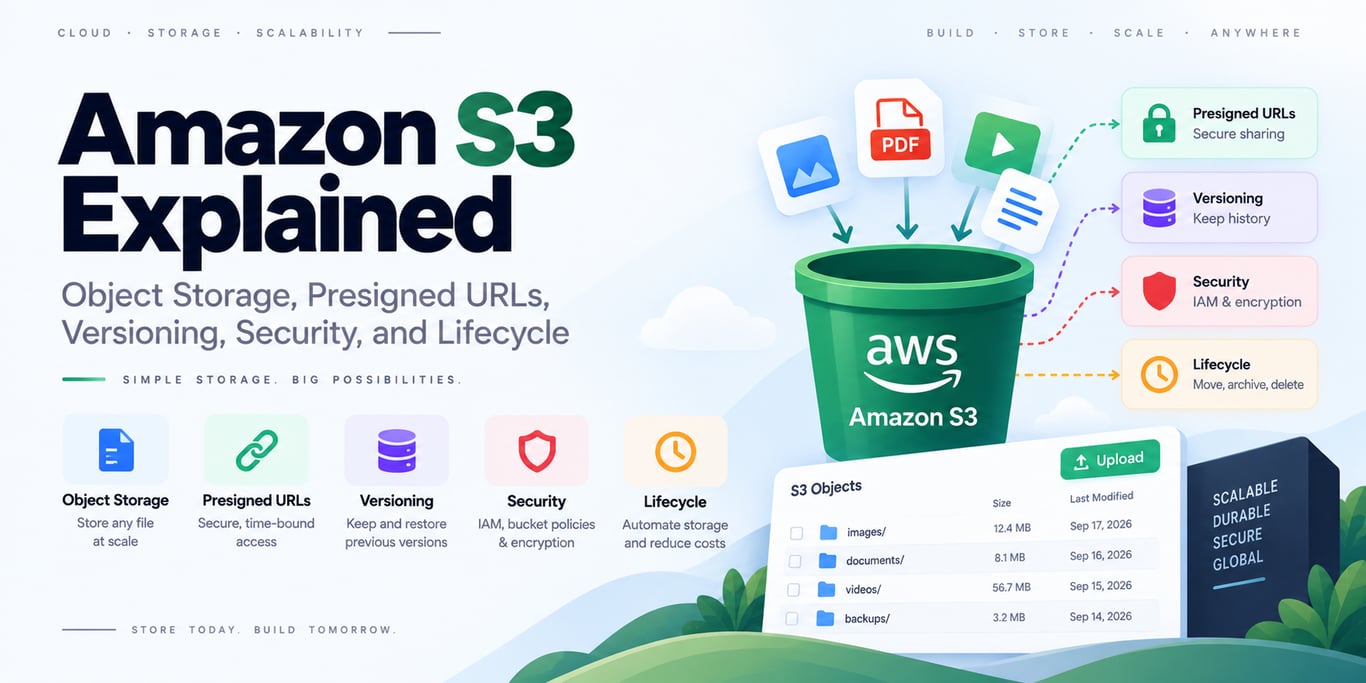
Amazon S3 is object storage for files and blobs such as uploads, images, backups, logs, datasets, and static assets. Applications address objects by bucket + key rather than treating S3 like a normal filesystem or relational database.
Diagram source
flowchart LR
    U[Client] -->|Presigned upload| S[(S3 Bucket)]
    A[Backend] -->|Create signed URL / metadata| U
    A --> S
Keep Buckets Private by Default
AWS recommends keeping Block Public Access enabled unless public access is intentional. Modern S3 buckets also default to bucket-owner-enforced Object Ownership with ACLs disabled for most common use cases.
Use IAM and bucket policies instead of scattered object ACLs.
Use Presigned URLs for Direct Uploads
For user uploads, your backend can authorize the operation and issue a short-lived presigned URL:
client → backend authorization
backend → presigned S3 URL
client → direct upload to S3
This keeps large files off your application server and avoids giving clients AWS credentials.
Restrict the generated key, method, expiry, file-size/content rules where your upload flow supports them, and verify the resulting object before trusting it.
Version Important Data
S3 Versioning preserves older object versions and can help recover from accidental overwrites or deletion.
For stronger immutability requirements, S3 Object Lock provides WORM-style retention and requires versioning.
Neither feature removes the need for a broader backup/recovery policy.
Choose Storage Classes by Access Pattern
Frequently accessed objects fit S3 Standard. Infrequent or archival data may fit Intelligent-Tiering, IA, or Glacier-class storage depending on retrieval expectations and cost.
Use lifecycle rules to transition or expire objects automatically instead of leaving old data in the most expensive tier forever.
Practical Backend Rules
- Store application metadata/ownership in your database; store large file bytes in S3.
- Generate unpredictable/controlled object keys rather than trusting raw filenames as authoritative paths.
- Require TLS and least-privilege IAM.
- Enable versioning where recovery value justifies it.
- Use lifecycle policies for temporary uploads, logs, and archives.
- Monitor storage growth, access-denied events, replication/lifecycle failures, and unexpected public exposure.
Final Takeaway
Use S3 as a durable object store, not as a server disk. Keep access private, let clients upload/download through narrowly scoped presigned URLs when useful, version valuable data, and automate retention with storage classes and lifecycle rules.
References
BUILDING AN AI PRODUCT?
Talk to Lofingo about custom autonomous AI agents, enterprise workflow automation, and scalable software systems.
EXPLORE AI SERVICES →