

On this page 10
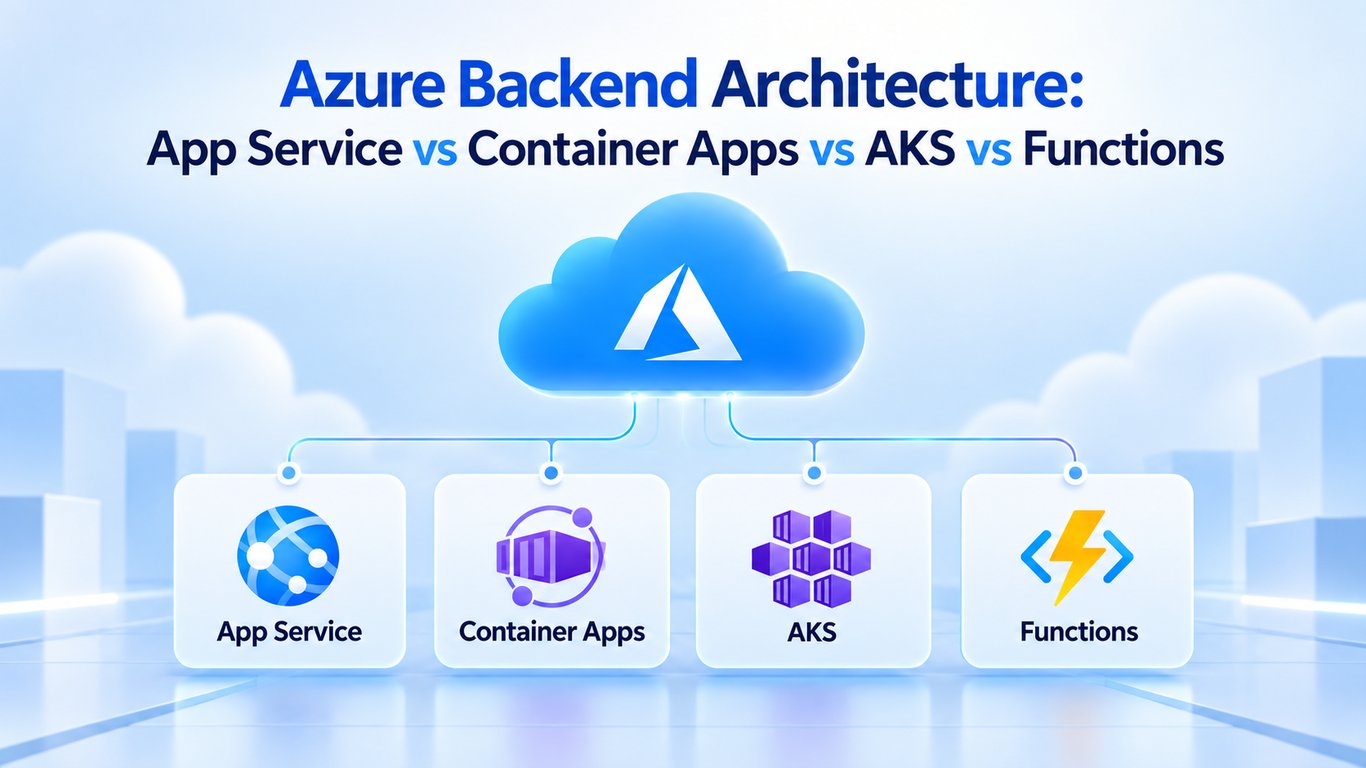
Azure Backend Architecture: App Service vs Container Apps vs AKS vs Functions
Azure gives you several valid ways to run a backend. The best choice is usually the highest-level managed service that still gives your workload the control it needs.
Diagram source
flowchart TD
    U[Users] --> E[Front Door / Application Gateway / API Management]
    E --> C{Compute}
    C --> A[App Service]
    C --> CA[Container Apps]
    C --> K[AKS]
    C --> F[Functions]
    A --> D[(Azure SQL / Other Data)]
    CA --> D
    K --> D
    F --> SB[Service Bus]
App Service
Use Azure App Service for managed web applications and REST APIs when you want simple PaaS hosting without managing Kubernetes or VMs.
It handles much of the infrastructure lifecycle while still supporting deployment slots, scaling, networking integrations, and managed identity.
Azure Container Apps
Container Apps is a strong fit for containerized APIs, workers, and microservices when you want autoscaling and Kubernetes-backed capabilities without operating or directly managing the Kubernetes control plane.
Use it when containers are useful but full AKS control is unnecessary.
AKS
Choose Azure Kubernetes Service when you specifically need Kubernetes APIs, controllers, operators, complex scheduling, service-mesh/platform integrations, or deep cluster-level control.
AKS gives more flexibility, but your team also owns more platform engineering than with App Service or Container Apps.
Azure Functions
Functions fits event-driven workloads such as queue handlers, scheduled work, webhooks, and small APIs that benefit from function-level scaling.
Do not force a permanently running service into a function model merely because serverless sounds simpler.
Virtual Machines
Use Azure VMs when you need direct OS access, specialized software, legacy workloads, or infrastructure control that the managed application platforms do not expose.
Data and Messaging
Typical backend building blocks include:
- Azure SQL / Azure Database for PostgreSQL/MySQL for relational data.
- Cosmos DB for workloads that fit its distributed NoSQL model.
- Blob Storage for files and object data.
- Service Bus for durable queues/topics and asynchronous processing.
Identity and Secrets
Prefer managed identities + Microsoft Entra ID instead of embedding cloud credentials in application code. Use Key Vault for secrets/certificates that still need explicit storage.
Apply least-privilege RBAC to databases, Service Bus, Storage, and other resources.
Quick Choice
| Requirement | Good starting point |
|---|---|
| Managed web/API hosting | App Service |
| Serverless container API/microservice | Container Apps |
| Kubernetes platform/control | AKS |
| Event-driven function | Functions |
| Full OS/VM control | Virtual Machines |
Final Takeaway
For a new Azure backend, start simple: App Service or Container Apps for most managed APIs, Functions for event-driven work, AKS only when Kubernetes capabilities are genuinely required, and VMs when you need OS-level control.
References
BUILDING AN AI PRODUCT?
Talk to Lofingo about custom autonomous AI agents, enterprise workflow automation, and scalable software systems.
EXPLORE AI SERVICES →